The following procedure will demonstrate how to generate a Code Signing Certificate request using a key generated and stored in the YubiHSM 2 using the Key Storage Provider (KSP). You can use the Microsoft “signtool tool” to digitally certify Windows binaries with this code signing certificate. Let’s take a closer…
To prevent unauthorized access to federated resources, federation servers will enforce the use of token-signing certificates, effectively thwarting cybercriminals from tampering with or forging security tokens. The most crucial validation technique for any federated collaboration is the private/public key pairing utilized with token-signing certificates. These encryption keys verify that a…
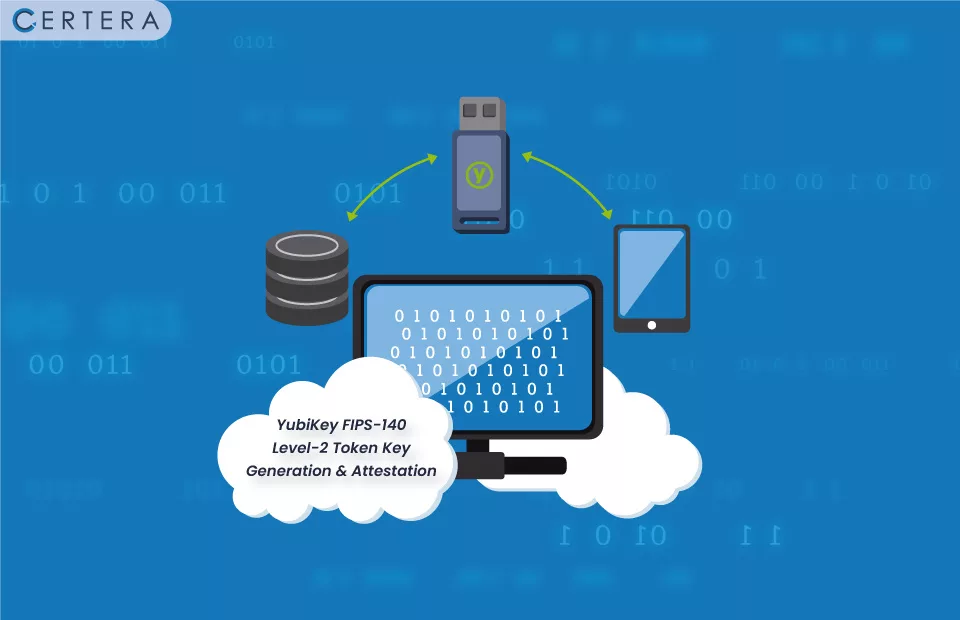
The YubiKey FIPS 140-2 Token is a hardware-based authentication device that is used to protect user accounts. The device is compact enough to fit in your purse or wallet. It enables users to generate cryptographic keys (On the device, a randomly generated private and public key pair is created and…
Your code signing certificate could be kept secure and protected from hackers with the use of a YubiKey FIPS-compliant USB Token. Assuming you have a signing certificate in a .pfx format issued by a trustworthy certified certificate authority like Certera, Sectigo, or Comodo. Let’s have a look at how to use Yubikey…