SSL/TLS Certificate Knowledgebase
Knowledge hub of SSL Guides, Manuals, and Resources
Certera.com Knowledge base is a hub of different online resources, helping newbies and professionals understand digital certificates thoroughly. Whether you only want to clear the basics, understand the exact definition, or want to know the purchase, installation, renewal, and management procedure, we provide them all in a single place. Certera got an accurate answer/solution directly from industry experts for every certificate query.
Certera's Knowledgebase
Cisco discovered a zero-day vulnerability on 16 October 2023. During vulnerability analysis, it was discovered that the web UI of Cisco IOS XE is being exploited. All the potential public-facing network devices are on the verge of being accessed by attackers. But, to safeguard the businesses, Cisco released some mitigation…
Despite refreshing the page or adjusting your browser’s settings multiple times, the Certificate Verification Error doesn’t get fixed or resolved. So, the foremost important question is: Are there any ways, techniques, or methods that can make this error disappear? The answer to this query is – “Yes, there are!” But,…
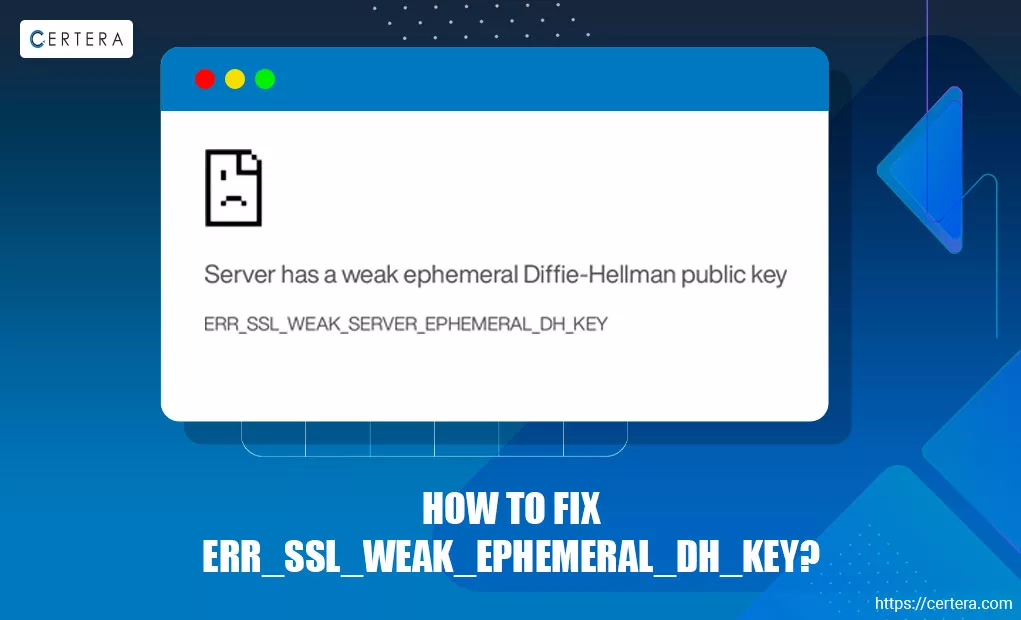
Have you ever clicked on a website and been greeted by an ERR_SSL_WEAK_EPHEMERAL_DH_KEY security error instead of the page? It’s a common security warning that indicates that the security of the site that you are attempting to access isn’t – strong enough. Modern browsers, like – Google Chrome, don’t let…
Have you ever faced the ERR_SSL_SERVER_CERT_BAD_FORMAT error? If not, let me inform you it’s quite irritating and frustrating. This error mainly occurs in the browser used by 2.65 billion+ people – “Google Chrome.” The ERR_SSL_SERVER_CERT_BAD_FORMAT error indicates a problem with the website’s – “SSL Certificate.” SSL certificates create a secure…
Firefox is a trendy web browser with a global user base of 175,000,000+. Most people use it to access their favorite websites. But, sometimes, it becomes irritating due to SSL errors and warnings. However, the good news is that the common SSL errors in Firefox can be removed easily. Here,…
Have you been greeted by an “Incomplete SSL Certificate Chain” or “Broken SSL Chain” warning on your browser? This could signal an expired intermediate SSL certificate. It’s a specific error that disrupts website access and raises security concerns. If you are searching for answers on fixing this error, you are…
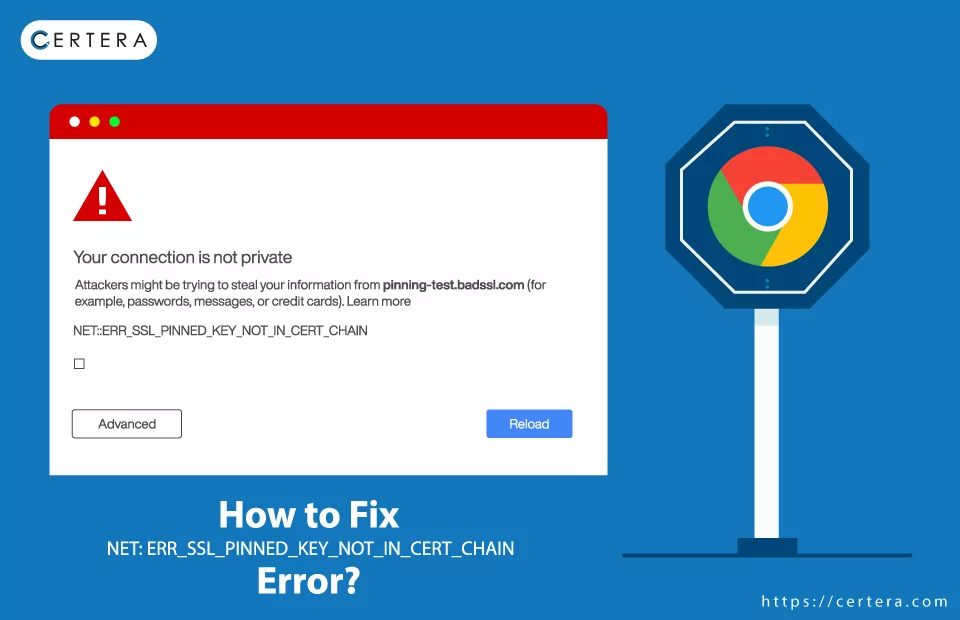
Have you ever experienced or faced the ERR_SSL_PINNED_KEY_NOT_IN_CERT_CHAIN error? If so, you must know it’s difficult to mitigate or resolve, especially as an end user rather than a webmaster. A webmaster who owns and manages a website is more equipped to handle server-side issues like the ones we are currently…
This article provides a way to convert an SSL certificate to PEM format. Before Conversion, please confirm your current certificate format. Verifying the Format of the Existing Certificate Approaches to Convert your Keys and Certificates to PEM Method 1: Using SSL Converter Tool The SSL Certificate Converter tool will help…
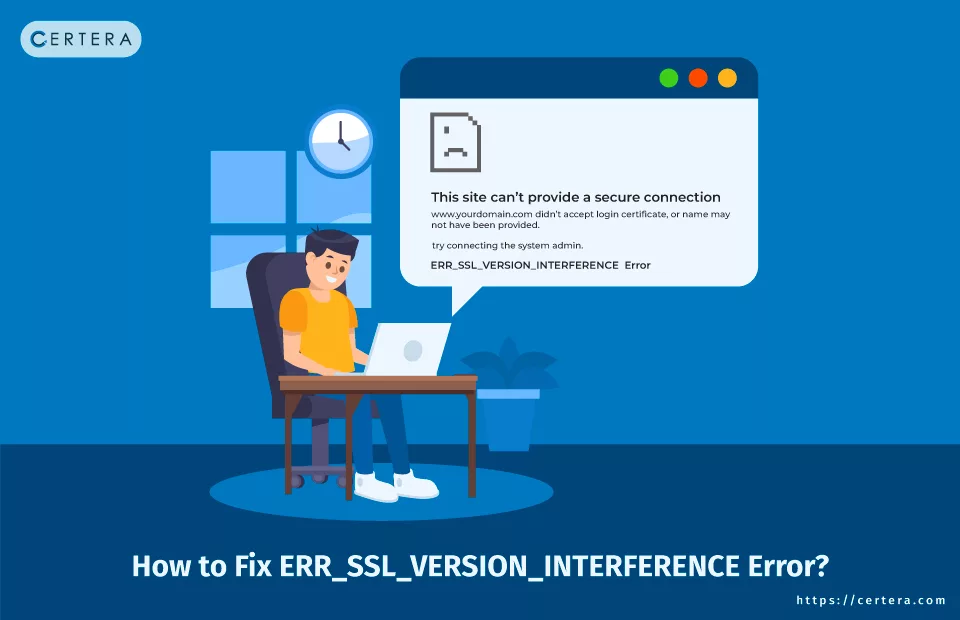
Have you ever been halted by an ERR_SSL_VERSION_INTERFERENCE error while browsing the internet? This error mainly occurs in Google Chrome and remains stubbornly in place, unaffected by how often you refresh the web page. Apart from this, adding to the frustration, Google might also present a cautionary message, hinting that…
After purchasing your SSL certificate, you must enroll in the order from your Certera Dashboard. To Enroll your new SSL Certificate, follow the below steps! Step 1: To begin with, the enrolment, click on “Enroll”. Step 2: Click on ‘Provide Your Own CSR’ if you have generated the Certificate Signing…